Gameplay Mechanics – Unreal Engine
A first-person interaction system built entirely in Unreal Engine using Blueprints. This project focuses on core gameplay mechanics commonly found in exploration and survival-horror games, including a battery-powered flashlight, multiple types of interactive doors, a slot-based inventory system, and a dedicated object inspection mode. All mechanics were tested and integrated using a custom first-person character built on top of Unreal's default template.
Haruyoshie Ecima, Solo Developer – Unreal Engine (C++)
2/10/20262 min read
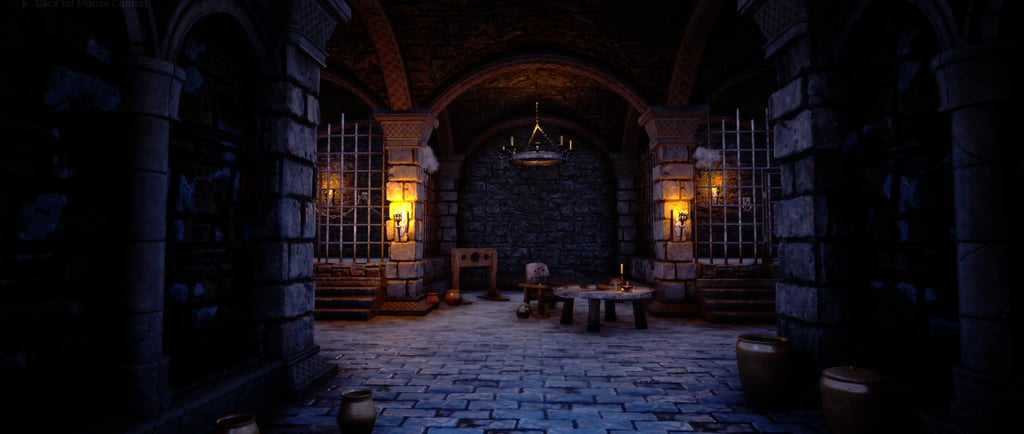
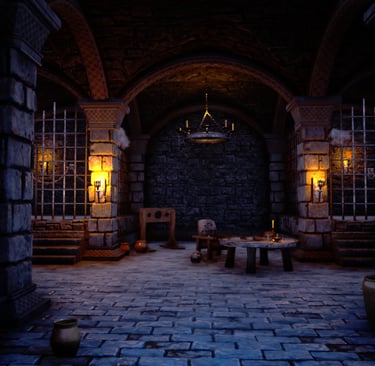
Technical progression and contributions:
All interactions in this project rely on direct casting between Blueprints, allowing the player character to communicate with doors, items, and batteries based on what they are and how they should behave.
To detect interactable objects, I used a Line Trace from the camera, constantly checking what the player is looking at and triggering the corresponding interaction when needed.
For the inventory system, I created a custom Struct to hold each item's data — including its name, 3D mesh, and the amount it provides (like how much health a bandage restores or how much charge a battery adds). This made it a lot easier to manage different item types without duplicating logic. Alongside that, I used an Enum to categorize items (Health, Battery, Key, etc.), which kept the "use" logic clean and easy to expand as I added more item types.
The flashlight's battery drain is handled through the Tick event, checking whether the flashlight is currently active and reducing its charge accordingly, which also drives the light's intensity in real time.
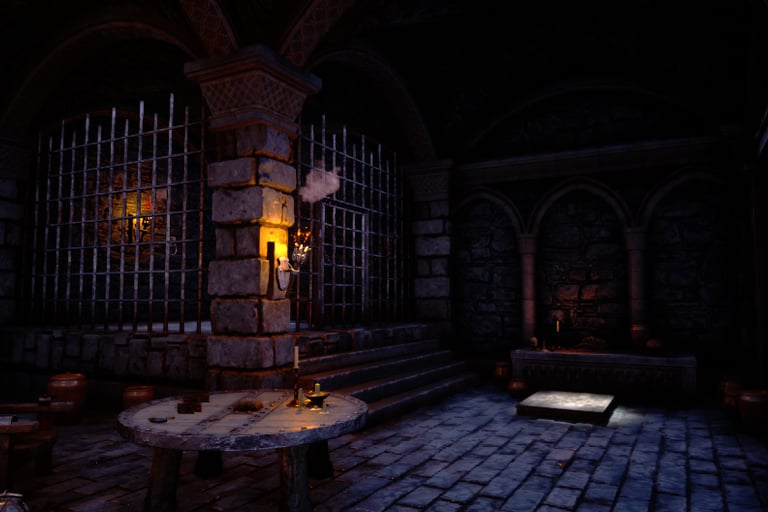
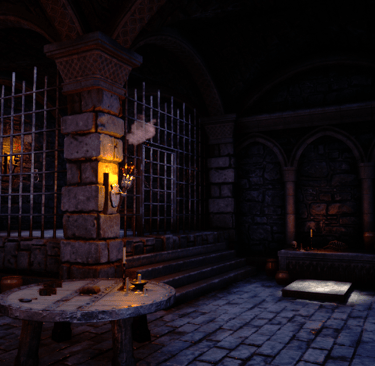
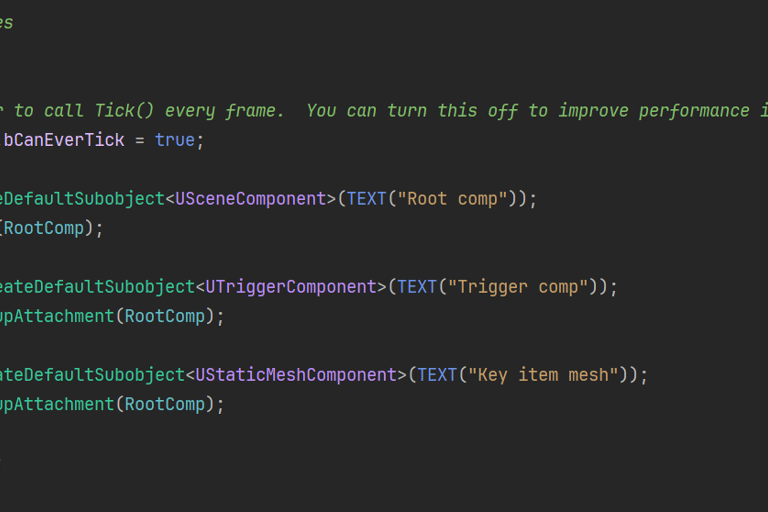
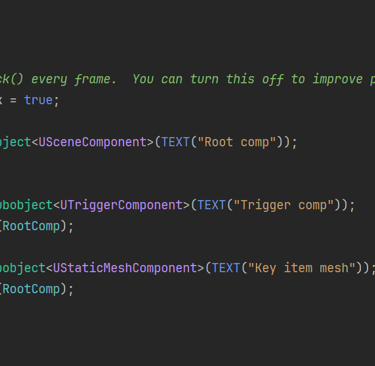
The process to the level desing

This project is a collection of first-person interaction mechanics built entirely with Blueprints in Unreal Engine. The accompanying video shows everything working together inside a single test scene, where I walk through each mechanic as the player encounters it: the flashlight, the different types of doors, the inventory system, and the object inspection mode.
The whole thing is built around a custom first-person character, based on Unreal's default template but rebuilt into its own Blueprint to support all these interactions. Detection is handled through a Line Trace coming from the camera, which constantly checks what the player is looking at and triggers the right response depending on the object.
The flashlight uses a Spotlight component and drains over time while active, checked through the Tick event, with its intensity dropping in real time as the battery runs low. To keep it charged, the player can collect batteries scattered around the scene.
For the doors, I built three different behaviors instead of just one generic system: one that opens based on mouse movement speed, making it feel more physical; one with a fixed speed and direction; and a trickier one that only opens in the opposite direction from where the player is pushing.
The inventory system is slot-based, with each slot supporting three interactions — use, inspect, and drop. Item data is stored using a custom Struct (name, 3D mesh, and amount provided), paired with an Enum to categorize item types like Health, Battery, and Key. Depending on the item, using it does something different: bandages restore health, batteries recharge the flashlight, and there's a key item planned for unlocking objects in a future version.
Finally, the inspection mode uses a separate camera that renders the picked-up object on its own, letting the player rotate it freely in 3D to get a closer look — a small detail that adds a lot to how interactive the whole experience feels.
All the interactions between objects rely on direct casting between Blueprints, which kept things simple and easy to manage given the scope of the project.